
Blooket Login | How to Sign In to Blooket to Start Learning
Many of us want to explore Blooket to learn how they can create question sets and explore different game modes and other features of Blooket. All of this can be done by Blooket login. Blooket is a gamified learning platform that motivates kids and encourages them to participate effectively through its gaming features.
In this article, I will discuss how you can log in to Blooket and what the requirements are for signing in to Blooket. So, let’s start:
How to Log In to Blooket Account?
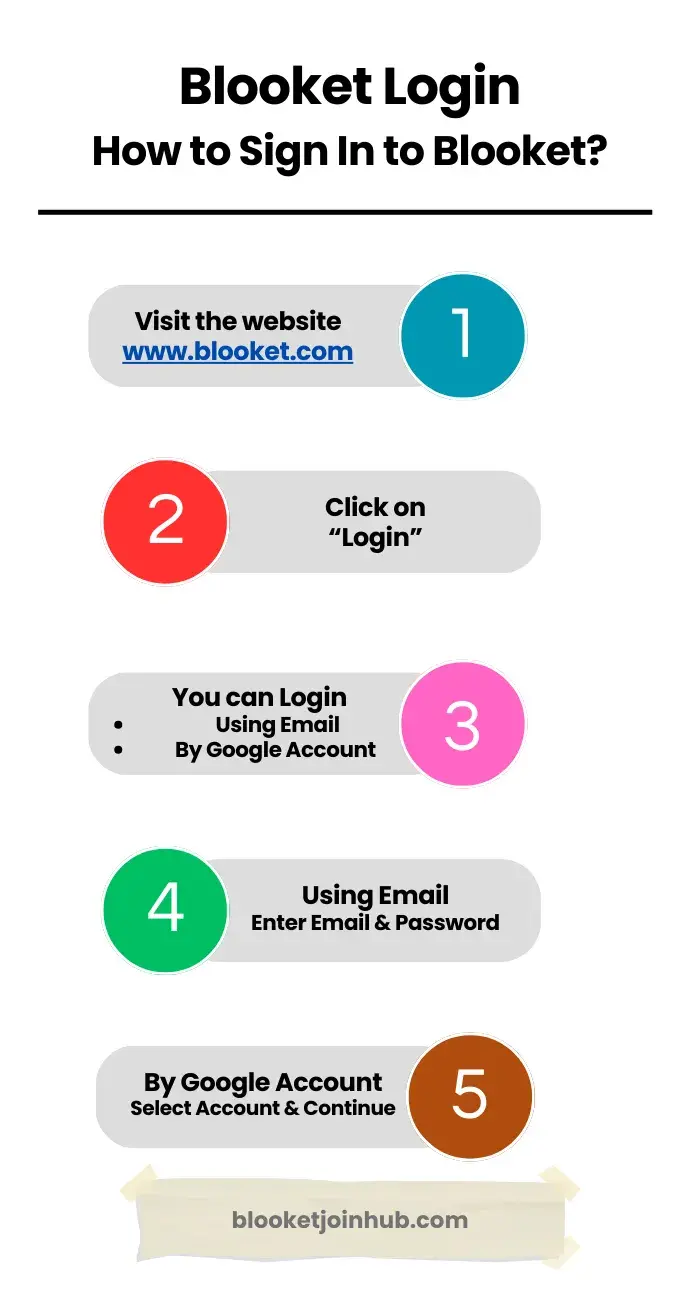
To log in to Blooket, go to www.blooket.com, click “Log In” and sign in using your email, username, or Google account. If you’re new, click “Sign Up” to create an account first.
You can sing in to Blooket by following these methods:
Method 1: Log in Using Email or Username


This is how you can easily log in to Blooket using your email.
Method 2: Blooket Login Using Google Account
 Login to Blooket Using Google Account
- Select Google Account to Login to Blooket
- Click on Continue
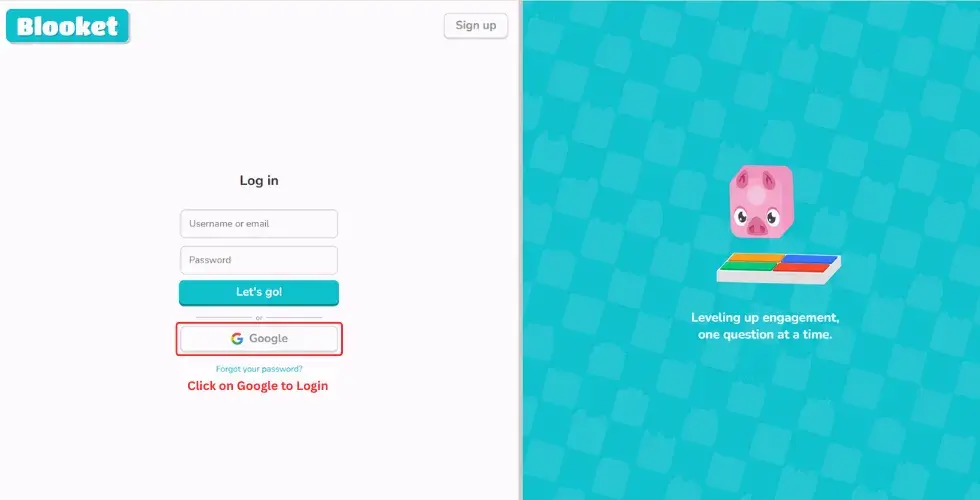
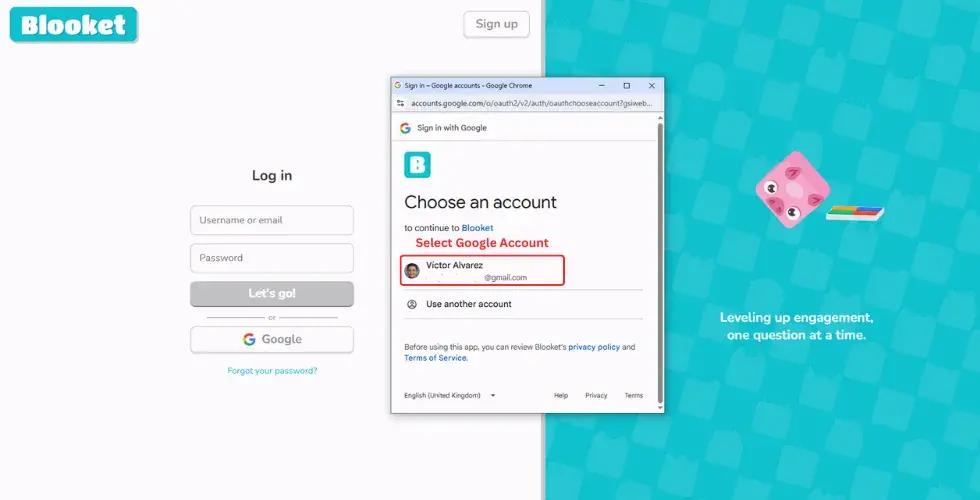
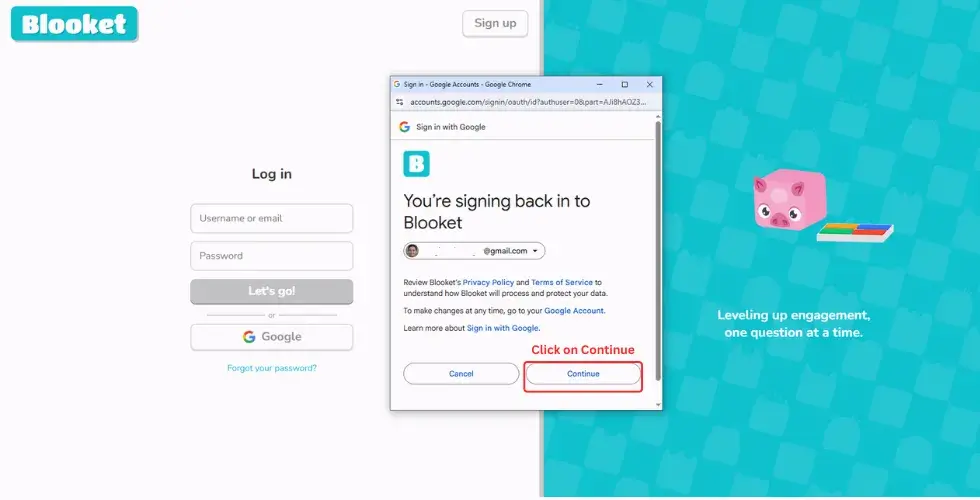
By following these steps, you will successfully log in. Now, explore Blooket and enjoy its features to learn in a fun and interactive way.
Method 3: Logging In as a New User
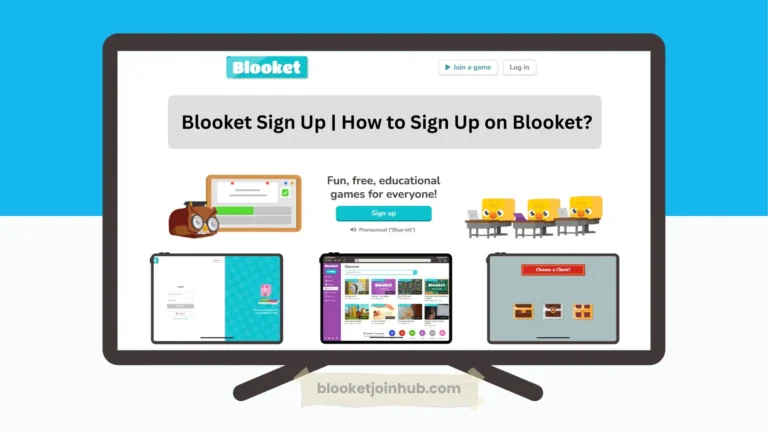
What if you’re a new user? If you are new to Blooket, you’ll need to create an account first. By reading the Blooket sign-up guide, you’ll be able to successfully sign up and log in to Blooket later.
Here are a few steps you can follow to sign up:
Have a smile and enjoy learning with a fun, gamified touch on Blooket!
How to Join a Blooket Game After Login?
A common question may arise in your mind: how can you join Blooket game once you log in to Blooket? It’s quite simple because once you log in to your account, there are 3 different ways to join a game. You just get the joining link from your host and paste it into the browser, you will be in the game. Secondly, you can scan the QR code, and you will be in the game.
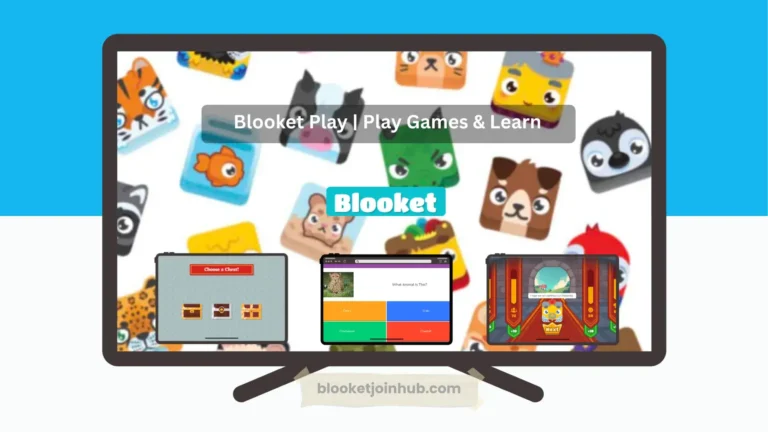
If your mentor shares an ID with you, then just search for the Play button in the dashboard and click on it. A new user interface will open where you have to put that ID to join the game. After joining the Blooket game, you can choose a unique name and avatar called blooks to play the game.
Simply, after logging in, you can join a Blooket game by entering the Game ID, scanning a QR code, or using a direct game link from your host. Choose your nickname and avatar to begin.
How to Recover Blooket Password?
To reset your Blooket password if you lost, click “Forgot Password” on the login page, enter your registered email, and follow the instructions sent to your inbox to create a new password. To do this, just follow these simple steps:
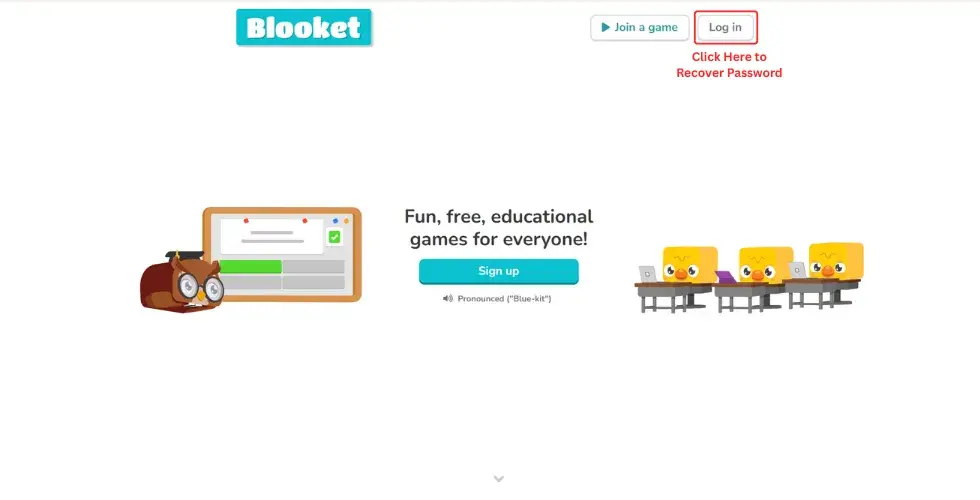
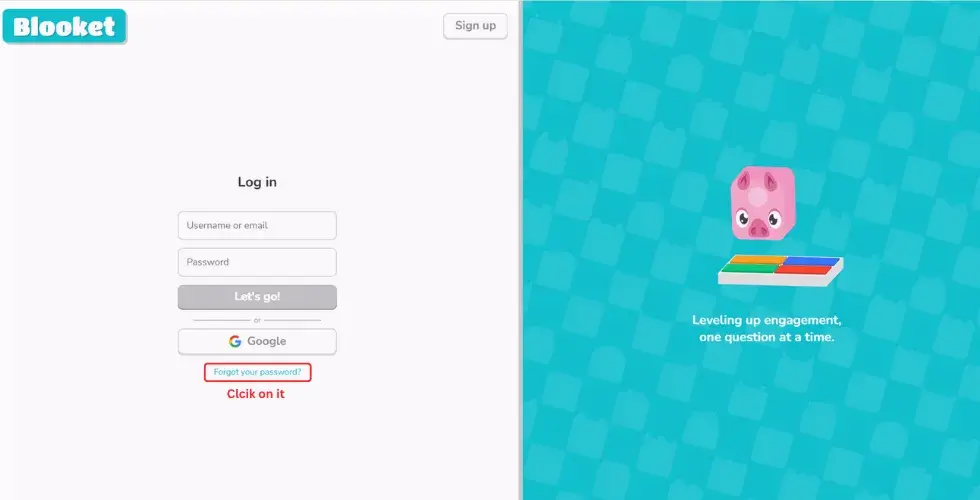


By following the above steps, you can easily recover your forgotten Blooket password.
Exploring Blooket
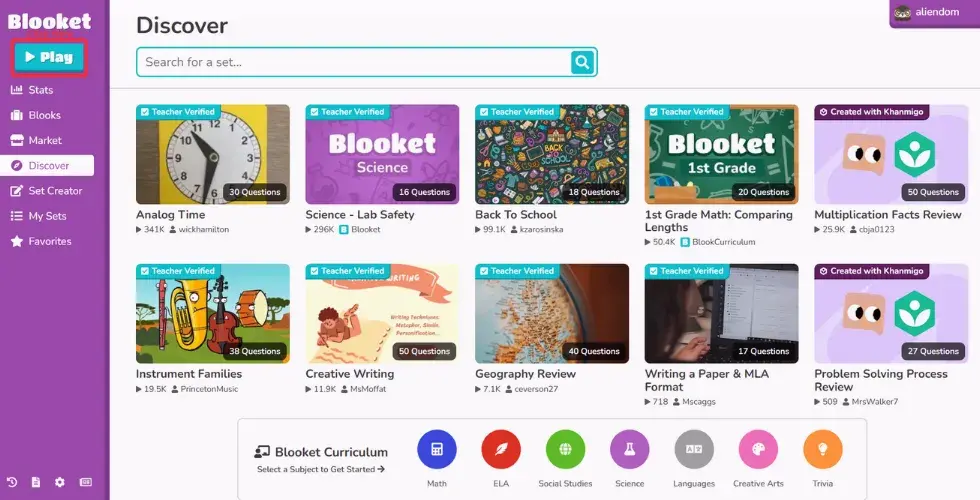
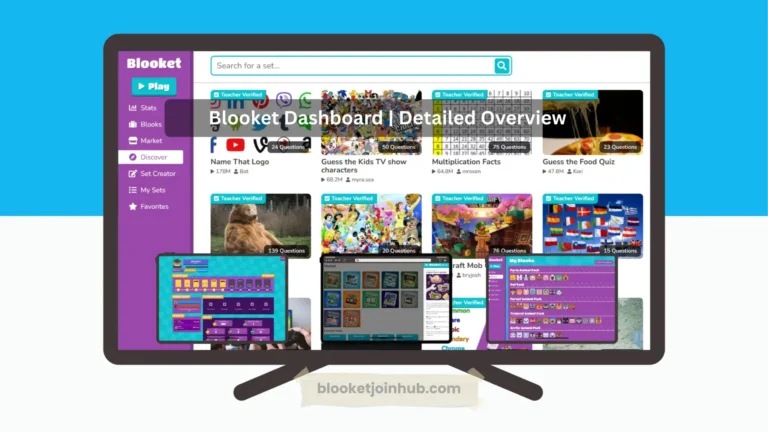
Once you successfully log in to Blooket, you can explore its features. You can check pre-made question sets in the Discover section or create your own custom question sets. If you’ve earned tokens by playing games, you can use them to unlock blooket packs from the Blooket Market. You can also check your gameplay history in the History section.
In the Blooket dashboard, you can easily add any question set to your Favorites. There’s also a News section where you can check the latest updates and releases from Blooket. You can play games, perform well, compete with others, and earn rewards though playing games.
How Blooket Is Reshaping Education?
Blooket is transforming education by turning learning into interactive gameplay. It keeps students engaged with rewards, improve participation through friendly competition, and helps teachers teach more effectively. With flexible access at home or in class, Blooket makes learning engaging.
It changing system by motivating students to compete and perform well through games. Here are some ways Blooket is reshaping education:
Changing Learning Into Play
Instead of just reading or taking tests, Blooket allows students to learn by playing fun and engaging games. This makes learning more exciting and helps students remember concepts more effectively.
Keeping Students Engaged
Blooket introduces a reward system that keeps students engaged. After answering a question correctly, they get a chance to play blooket game and earn rewards. This system keeps students interested and motivates them to perform better.
Helping Teachers Teach Smarter
Teachers can use Blooket to review lessons, check for understanding, or conduct quick quizzes. It saves time and makes learning more enjoyable for everyone. Teachers can also use multimedia teaching aids like audio, video, and graphics to better understand and support their students.
Learning Anywhere, Anytime
Blooket can be used both in the classroom and at home. Students can play individually or with friends, so learning doesn’t have to stop when the school day ends.
Encouraging Friendly Competition
Blooket uses interactive games like fishing frenzy, gold quest and rewards to engage students. Friendly competition in a game setting can encourage even shy students to participate and try their best.
Conclusion
In short, when you login Blooket, you can access and explore all its features and get an interactive gaming experience. You can Sign in using your registered email or your Google account. Blooket is an all-in-one online classroom with all the accessibility that makes it engaging and provides amazing and interactive learning through great interaction.